Intimate
Up to 100 guests
$10
Jinx! lets your guests coordinate what they're wearing before the big day. Share a code, upload a look, browse the gallery — no app download, no sign-up for guests.

Elegant beach wedding at sunset. Dress code: soft pastels. Join to coordinate your outfit and avoid matching someone else.
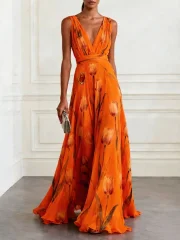
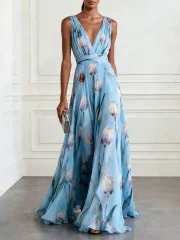
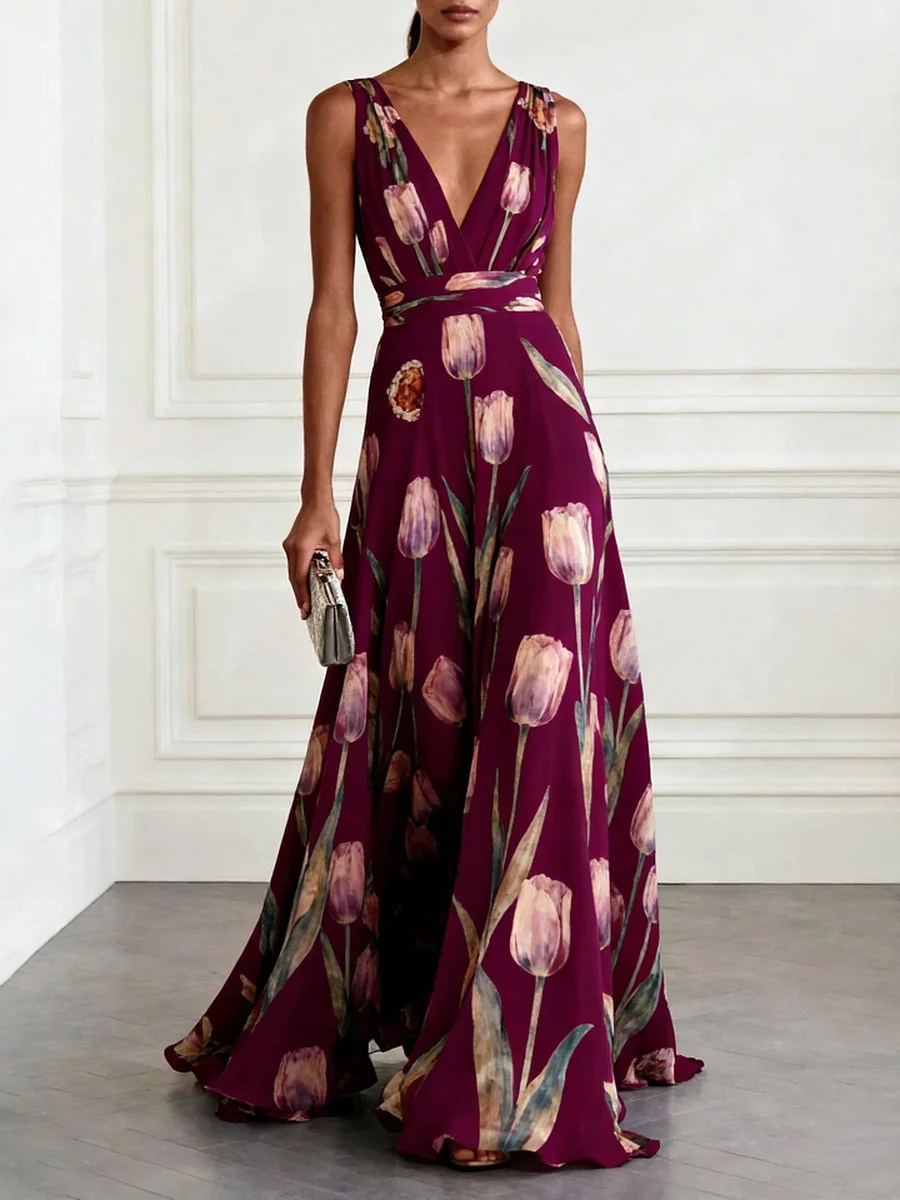
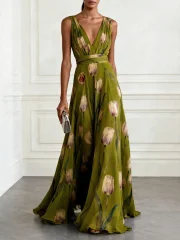
Welcome Guest
To Sarah's and John's Wedding
Enter your event code to join the digital dressing room.

Jinx! removes the coordination headache from both sides of the guest list. Hosts stay in control; guests stay in the loop.
Create Event ✨
Create an account and set up your event — add a name, date, dress code, invite and moodboard links, and an event logo.
Choose Event Size
Select the tier that best fits your guest list.
Intimate
Up to 100 guests
$10
Celebration
Up to 200 guests
$25
Choose a guest cap (100, 200, or 500 guests) and complete a one-time payment to activate.
Welcome Guest
To Sarah's and John's Wedding
Enter your event code to join the digital dressing room.
Share the invite link and code with your guests — they anonymously upload their outfit to a shared board, no account needed.
Elegant beach wedding at sunset. Soft pastel dress code. Coordinate your outfit and avoid matching someone else.
Watch the looks roll in and keep your event clash-free.
Add a description, link your invitation, upload a moodboard, and set a profile picture to make your event feel uniquely yours.
Guests never create an account. Just a private entry code — invite-only and fully secure.
Manage multiple events, view all submissions, and review your payment history in one place.
No subscriptions. Pay once per event. Full access included, no hidden fees.
All outfit submissions displayed in a clean, browsable grid layout.
Host as many events as you want, each purchased and managed independently.
Pay once per event. No subscriptions. No recurring charges. No fine print.
Small
one-time per event
Up to 100 guests
Medium
one-time per event
Up to 200 guests
Large
one-time per event
Up to 500 guests
No. Guests only need the entry code shared by the host. There is no sign-up or login for guests.
No. Each guest is limited to one submission per event. One look, one entry — keeps things fair.
Yes. You can update the name, date, description, photos, and gallery settings at any time. The guest cap tier cannot be changed after payment.
New submissions close once the cap is hit. All existing looks stay visible in the gallery.
No recurring charges, ever. Each event is a flat one-time payment.
Yes. Your dashboard supports as many events as you need, each purchased and managed separately.
Create your event in minutes. Your guests will love you for it.
Create your event → One-time payment · No subscriptions · Cancel anytime